
In the modern digital era, all family members have online accounts, including banking apps and streaming services, school portals, gaming accounts, and smart home devices. Although it has become more convenient, cybersecurity threats have also risen. Hackers, identity theft, and financial fraud are easy on weak or reused passwords, convincing families.
To create strong passwords and safeguard sensitive details, families should have a structured strategy. This helps in reducing online threats while making account access seamless and safer for all.
The easiest but most effective method of securing your personal information is to create a secure password system at home. The good news? A great defense is not something that requires having a tech expert.
The majority of families also participate in sharing devices, subscriptions, Wi-Fi, and even passwords. Unluckily, this tends to result in unsafe practices such as:
These habits are actively exploited by cybercriminals. After hackers have gotten into one account, they will usually try to log into email accounts, banking applications, shopping sites, and other social media accounts with the same logins.
A family password system can minimize these risks by providing orderly, secure, and manageable access for all.
Installing a family password system will organize your online access, enhance account security, and minimize the risk of an online attack impacting your household.
Strong passwords are the basis of good cybersecurity. Families that seek improved cybersecurity help should start to work on their password development behaviors on all internet accounts.
A secure password should:
Instead of using:
Enter more secure passphrases such as:
Passphrases are not as difficult to crack and are much easier to remember.
Use of the same password everywhere is one of the biggest errors committed by families.
Should a hacker compromise any single account, then they can perform credential stuffing or automatically test the same login on different sites.
Important accounts that should always have unique passwords include:
With the help of specific passwords, the harm of one security violation is significantly minimized.
It is hardly possible to remember dozens of complex passwords without assistance. That is where password managers, also known as Password Keepers, become a necessity for present-day families.
Passwords are stored and organized safely in another encrypted vault in password managers. They can also:
Popular Password managers consist of:
Most password managers provide family subscriptions to have multiple people under a single account to manage credentials safely.
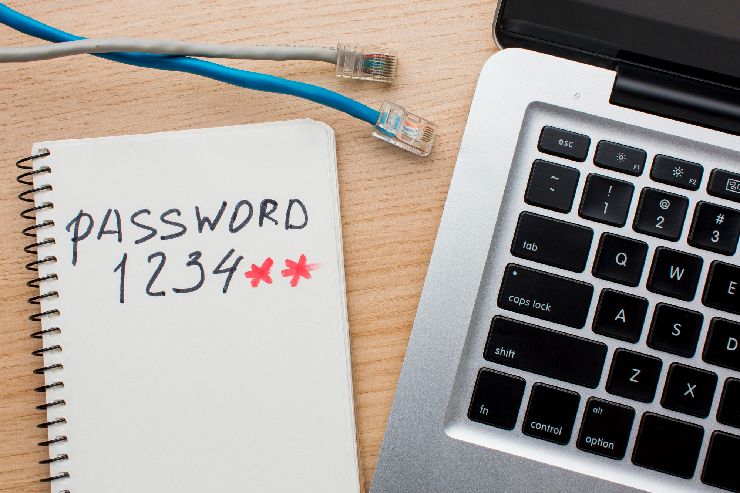
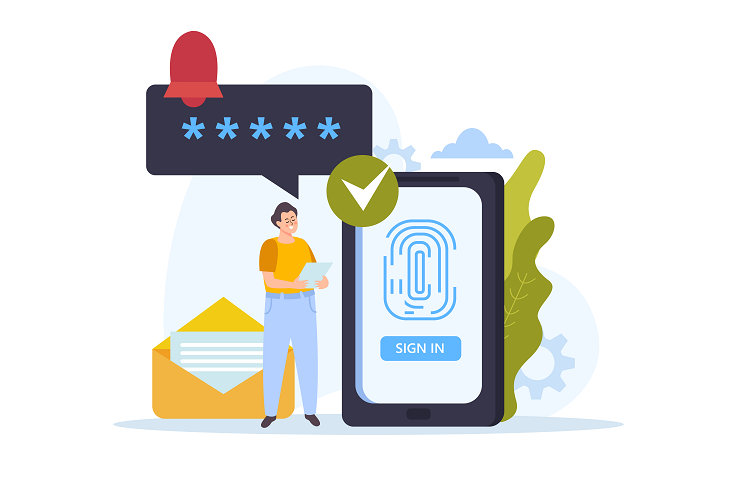
Even an exceptionally tough password can be hacked. Two-factor authentication ensures an additional level of security and enhances the level of Online Data Protection of the most important account in your family.
Under 2FA turned on, the user will be required to verify themselves by means of:
It implies that even if they steal a password, hackers will not be able to access accounts.
The high-priority 2FA accounts are:
Google Authenticator and Microsoft Authenticator are more secure authentication applications than SMS, which uses text messaging to verify individuals.
Accounts that are usually shared by families include:
Rather than distributing passwords via chat or email:
This ensures shared accounts are still secure and convenient.
The security of passwords is not a single setup.
To assure account security, families should periodically, every few months, review accounts by:
Password managers have become more secure, with many offering security health reports that highlight weak or compromised credentials.
The password system can only be as robust as your network security.
To make your home Wi-Fi secure:
Home appliances that are linked to weak networks will prove to be points of easy access to criminals.
It is no longer a choice as to whether to develop a safe-for-all-family password system. It’s required. Cyberspace remains dynamic; by investing in what is proactive today, you can protect your money, personal data, equipment, and online personas tomorrow.
Nerd Alert is a trusted source of tips and practical advice on how to keep a family updated on cybersecurity, digital safety, tech sense, and smarter online security. Contact us today to connect with experts!
HOW OFTEN SHOULD FAMILIES AUDIT THEIR DIGITAL ACCOUNTS FOR SECURITY RISKS?
Families are advised to perform regular monitoring of their accounts on their screens and devices to identify any suspicious sign-ins, lack of activity, and unidentified accounts.
WHAT IS THE SAFEST WAY TO STORE EMERGENCY ACCESS CREDENTIALS FOR FAMILY MEMBERS?
Store emergency credentials in a safe, non-Internet available world (encrypted) or in the possession of trusted guardians.
DO SMART DEVICES POSE ANY RISKS TO THE CYBERSECURITY OF FAMILIES AT HOME?
These unsecured Smart devices allow entry of hackers into home networks, through which they may access home accounts.

I’m a Nerd and very proud of it! I love to write about anything Tech related. Subscribe to our blog for helpful tips, tricks & news.