
Quick Answer
Multi-Factor Authentication, or MFA, involves two or more identity verifications. It includes a password along with a code or fingerprint before granting access to online accounts. Two-Factor Authentication is the most common form, as both can significantly reduce the risk of unauthorized logins.
Passwords alone are no longer sufficient to secure your online accounts. Data breaches expose millions of passwords every year. Once a password is compromised, those who have it can log in as if they were the legitimate account owner.
Multi-Factor Authentication can close the gap by adding an extra layer of proof beyond the password. Even if a password is stolen through a phishing attempt or data breach, an attacker still can’t get in without that additional verification.
That’s exactly why security experts can consistently suggest enabling two-factor authentication or a wider MFA setup across your online accounts. This turns any single-point weakness into a layered, stronger line of defense.
Online fraudsters no longer have to guess passwords one at a time. Automated tools, leaked databases containing personal credentials, and deceptive scam attempts might make stealing login details seamless.
A handful of typical threats can explain why using passwords alone is not enough:
Most break-ins start with convincing phishing scams that trick individuals into typing their password into a fake login page. This gives an attacker everything they need without even having to enter your system.
Let’s take a quick look at how this additional security layer protects accounts and why it can work so well when used.
A single password, or even the same type of password, is only one piece of information. Once it’s exposed, it offers no additional resistance. Multi-Factor Authentication adds a second requirement that a stolen password alone can hardly satisfy. Therefore, this can help prevent account takeovers before they start.
This additional step is often enough to stop an attack in progress, even when a password is already compromised elsewhere.
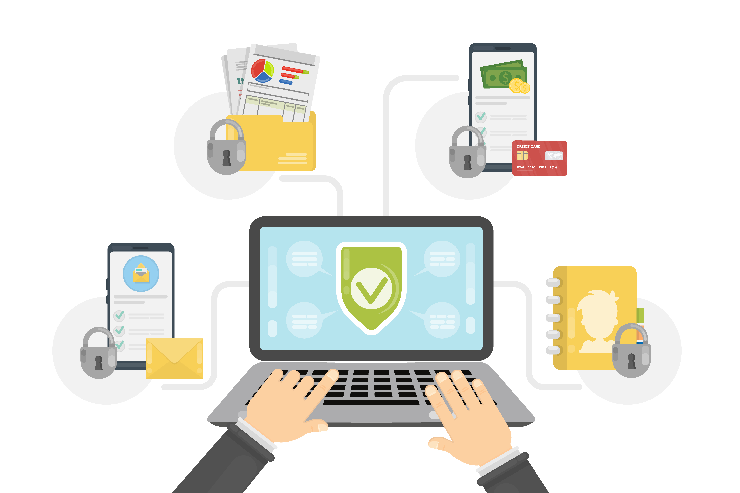
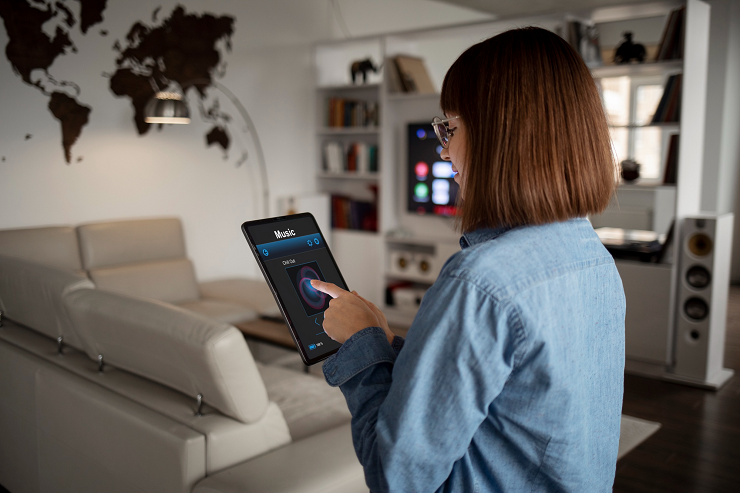
Modern life connects to the internet beyond laptops and phones. Each connected device becomes a possible entry point. Multi-Factor Authentication extends that same level of protection to accounts that are linked to routers, apps, and other connected devices throughout your home.
As more smart home devices connect to a household network, it becomes important to secure every account with more than a password. This is the most effective way to close an entire category of easy-to-access entry points.
Almost every login attempt carries its own risk. It impersonates someone other than the legitimate account owner. Multi-Factor Authentication adds another layer of verification, tied to something only the real user has. This makes it harder for anyone else to pass.
This layered approach, with cybersecurity support, can make it notably harder for an online fraudster to impersonate someone, even if personal data is leaked.
Enabling multi-factor authentication is the first step toward a major shift in how people think about safeguarding their details online. Once an account is secured this way, extending that same habit to all your online accounts becomes much more natural.
Building these habits for online data protection makes security a consistent practice, not a one-time fix. This safeguards every account beyond the initial setup.
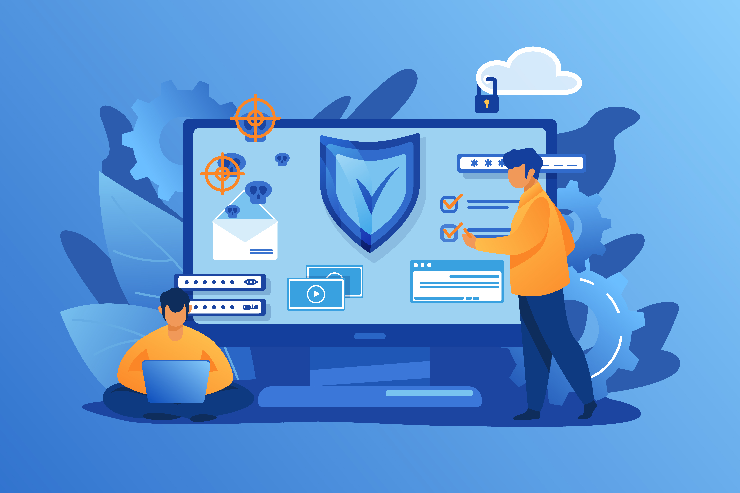
Adding multi-factor authentication doesn’t mean you have to start over or replace existing systems. Many platforms already include this in their account settings. This makes it seamless to turn on without buying additional hardware or software.
Since the option already exists in several accounts, enabling it typically takes only a couple of minutes and requires no technical expertise.
Almost every account that’s left protected by only a single password becomes a weak point that can be compromised. Such risk can only grow as daily life moves online, from banking to shopping to everyday communication.
At Nerd Alert, we provide hands-on support for setting up Multi-Factor Authentication correctly across every device and account that matters most.
Contact us today to strengthen your account security and stay protected against the threats that matter most.
IS MULTI-FACTOR AUTHENTICATION THE SAME AS TWO-FACTOR AUTHENTICATION?
Two-Factor Authentication is a specific type of MFA that uses exactly two verification steps, while MFA can include two or more layers of protection.
DOES MULTI-FACTOR AUTHENTICATION SLOW DOWN LOGGING IN?
Most methods add only a few seconds to the login process, and many devices can remember trusted logins to reduce repeated prompts.
WHAT HAPPENS IF I LOSE ACCESS TO MY SECOND FACTOR?
Most services offer backup codes or alternate recovery methods, so it is worth setting these up in advance.

I’m a Nerd and very proud of it! I love to write about anything Tech related. Subscribe to our blog for helpful tips, tricks & news.