
Web browsers have become the main gateway to almost everything people do online. This includes banking, shopping, work, communication, and entertainment. That makes them a common target for online attackers because they offer an easy, low-effort entry point.
Most browser-related security threats come from small, overlooked habits instead of advanced hacking techniques. One careless click, a forgotten update, or an outdated browser version can expose personal data without any clear warning signs.
Luckily, a few consistent habits, along with additional security layers such as two-factor authentication, close most of these gaps. These steps can make daily browsing much safer without requiring technical expertise.
At a Glance
Browsers store passwords, payment details, autofill data, and browsing history. This makes them a lucrative target for those seeking to steal personal data without direct physical access to a device.
A couple of common weaknesses explain why browsers get exploited so often. They are:
Attackers exploit most of these weaknesses through convincing phishing scams that often resemble real websites. They trick people into entering login details on pages structured to steal personal data.
Here are a couple of habits that make a huge difference in keeping your daily browsing experience worry-free and secure:
Browser updates often include patches for security risks that attackers actively search for or exploit. Delaying updates leaves known weaknesses exposed even after the fix is publicly available.
Turn on automatic updates to avoid confusion. This ensures known risks are fixed as soon as they become available, not weeks later.
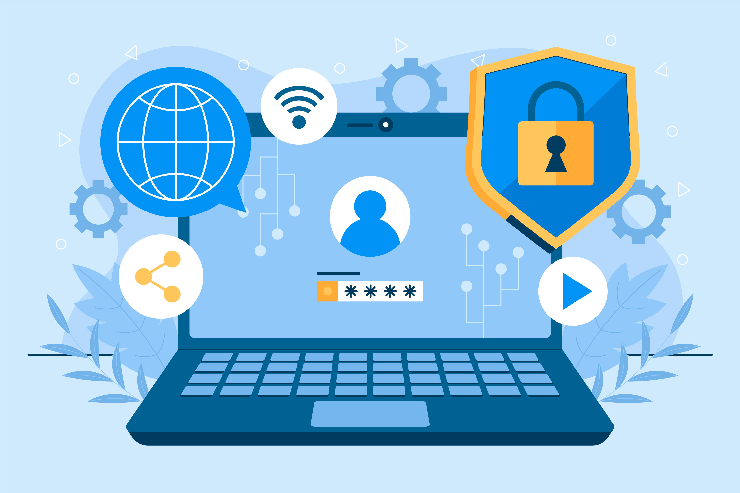
Browser extensions are specifically useful. However, each one adds another piece of software with direct access to your browsing activity. Outdated or unverified extensions are a common way malware creeps onto your personal device.
Since most browsers now control settings for connected smart home devices, keeping extensions limited and verified can help prevent unfamiliar developers from gaining inappropriate access.
Although it’s easy to save passwords directly in the browser, anyone who has access to that device can also see or reuse those passwords. If your protection around saved credentials is weak, one compromised machine can turn into many compromised accounts.
Treating stored login data as a serious part of online data protection can keep a stolen or lost device from snowballing into a bigger security incident.
Fake links may look real, and you may almost recognize them. In other words, some links appear so close to the original you won’t even recognize them. A brief pause before clicking is all that stands between a normal day and a hacked account.
It takes a few extra seconds to look at a link before clicking it and will almost always prevent one of the most common ways an account gets compromised. This makes effective cybersecurity help essential.
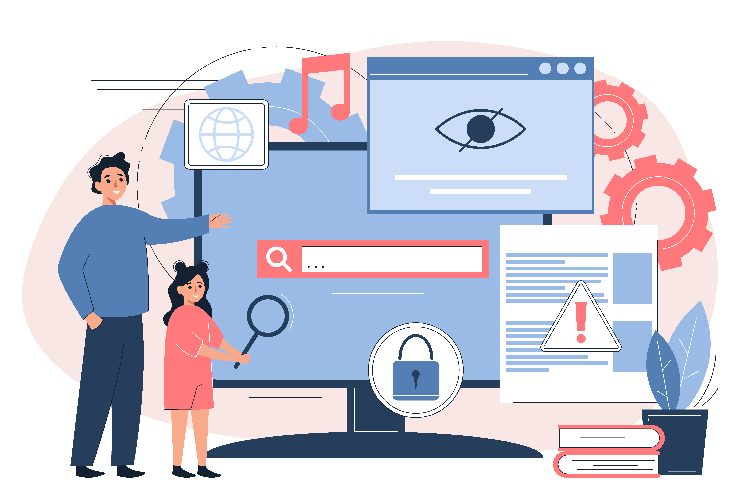
According to a recent report, a password alone isn’t enough to protect an account, since so many passwords have been leaked in massive data breaches. Adding another layer of verification closes that gap significantly, even if someone later finds your password.
Activating two-factor authentication on all your important accounts is probably one of the easiest and most effective upgrades one can make for complete browsing and account security.
Most successful attacks don’t require advanced hacking skills or techniques. Instead, they exploit small security holes. They often go unnoticed until it is too late.
The team at Nerd Alert offers hands-on cybersecurity help to review your devices, browsers, and accounts for weak points long before they become real problems.
Contact us today to strengthen your browser security and protect the accounts and devices that matter most.
ARE BROWSER ADD-ONS REALLY A SECURITY RISK?
Some extensions ask for more access than they need, and outdated or abandoned ones can gradually become easy targets for attackers.
IS IT SAFE FOR ME TO LET MY BROWSER SAVE PASSWORDS?
It can be relatively safe when you follow proper device security practices, but a good password manager usually offers more security and control.
HOW DO I KNOW IF A WEBSITE IS SECURE TO ENTER INFORMATION?
When logging in to a website, look for the lock symbol, check the URL thoroughly, and never share sensitive information on pages you haven’t searched for.

I’m a Nerd and very proud of it! I love to write about anything Tech related. Subscribe to our blog for helpful tips, tricks & news.