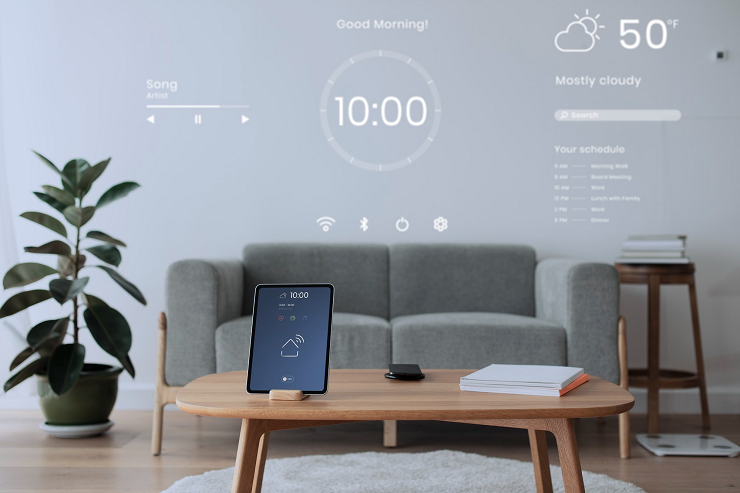

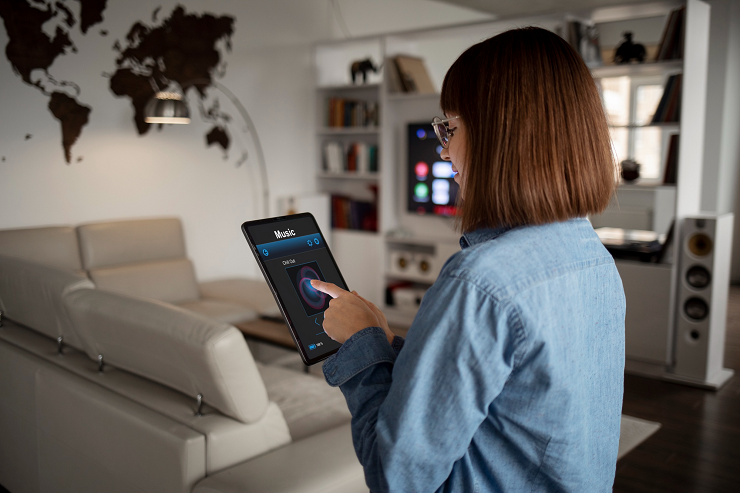
The best smart home devices for beginners include speakers, plugs, cameras, locks, thermostats, safety sensors, and routers. Invest in reliable brands, prioritize security updates and secure every account from day one to enjoy convenience without exposing users to data theft.
Although a smart home might sound straightforward, things get confusing once you start shopping. Almost every shelf and online listing promises seamless living. However, choices range from inexpensive plugs to complete security systems. So, choosing the wrong devices for first-time buyers can make them feel frustrated, or worse, exposed to cyber theft.
This exposure is why most new buyers overlook it. Each connected device joins your home network, collects data, and adds another account to manage. So learning how to protect yourself online from the start is as important as choosing the right device.
First-time buyers can choose devices more easily, especially ones that are easy to set up, work with different brands, and receive regular updates directly from the manufacturer. Investing in products with a proven track record can make setup seamless and provide reliable support.
Here are a couple of points to remember before investing in one:
Most buyers overlook this critical step and later discover their devices collect more data than expected, exposing them to digital privacy risks.
For first-time buyers, here are a few devices that are easy to start with and don’t require much setup.
A smart speaker is often the most straightforward entry point because it controls music, reminders, timers, and other connected devices with simple voice commands. Also, it becomes a core hub that links all your future devices.
Invest in a model with a mute button so you can silence it whenever privacy matters most.
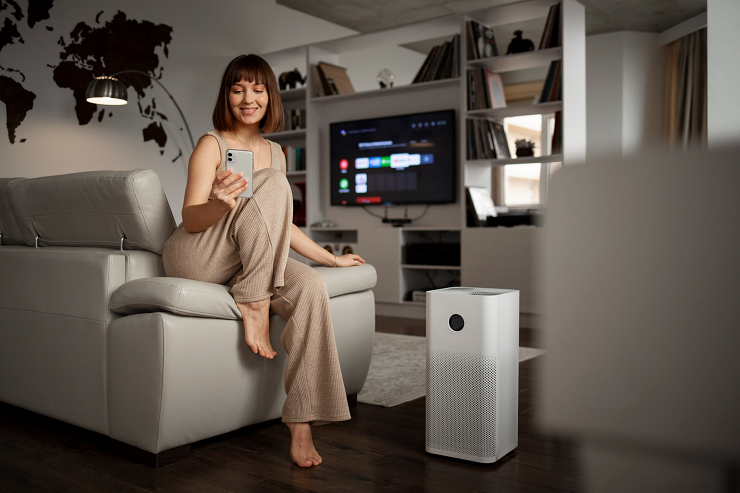
Smart cameras give you direct access to a live view of your front door and primary living areas. This is especially helpful when you are traveling or expecting deliveries. Because these devices record video, account security matters more than ever.
Camera accounts are the most common target for online attackers. Set up two-factor authentication to add a stronger barrier that prevents anyone from accessing your account, even if they learn your password.
Both bulbs and plugs are cost-effective ways to start automating your home with minimal risk. You can schedule lamps, turn off forgotten appliances, and create lighting routines without rewiring anything.
Invest only in reputable brands, as unknown budget plugs often lack adequate security updates.
A smart thermostat learns your schedule and automatically adjusts heating and cooling. This helps reduce energy-consumption bills. It’s one of a few starter devices that often pays for itself.
Always check compatibility with your heating system before buying to avoid installation surprises.
Keyless entry lets you unlock your doors using a code or phone while sharing temporary access with guests. It eliminates the stress of lost keys while giving you a record of who comes in and out of the home.
Because locks are meant to safeguard your physical safety, install updates immediately and use a unique passcode.
Almost every smart home device relies on your home network. Therefore, a weaker router can make even the best gadgets irritating to use. A modern router can manage more connections at once and offer stronger security controls.
Always enable the guest network feature and place smart devices there to keep them separate from your phone and laptop. If the setup feels confusing, professional cybersecurity help can configure almost everything correctly from the start.
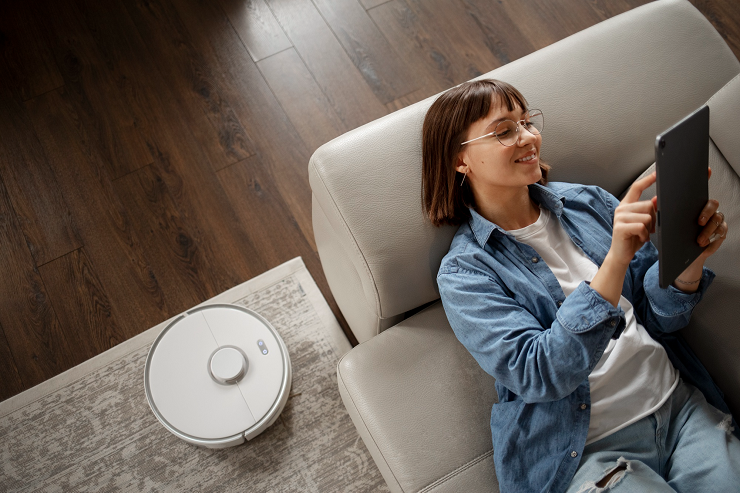
Safety sensors typically send notifications or alerts to your phone whenever they detect carbon monoxide, smoke or any hidden leaks. They are cost-effective, need less upkeep, and prevent expensive damage when you’re away.
Always replace batteries promptly, as these lifesaving smart devices can work longer when you need them.
Start small, add devices one at a time, and give each one a couple of minutes of attention during the initial setup. A modest collection helps you understand and maintain it, which will serve you better than a home filled with gadgets you hardly review. Over time, you can expand your system confidently as both your needs and comfort levels grow.
Choosing the right devices is only half the process, because setup choices decide how private and secure your home really is. Many new buyers leave default settings untouched and don’t realize how much information they’re sharing.
The experts at Nerd Alert can review your devices, tighten every setting, and guide you through each step whenever you have questions. Contact us today to set up your smart home with confidence.
WHICH SMART HOME DEVICE SHOULD I BUY FIRST?
A smart speaker or smart plug is usually the best starting point because both are affordable, simple to install, and easy to expand later.
HOW MANY SMART DEVICES ARE TOO MANY FOR BEGINNERS?
Start with two or three devices and add more only after you understand their settings, since each new gadget adds another account and connection to manage.
DO SMART HOME DEVICES WORK WITHOUT INTERNET ACCESS?
Some devices keep basic functions like schedules and manual controls offline, but voice commands, remote access, and app features usually require a stable internet connection to work properly.

I’m a Nerd and very proud of it! I love to write about anything Tech related. Subscribe to our blog for helpful tips, tricks & news.