
By visiting different websites, using apps, and filling out forms, you are directly increasing your digital footprint. Through your social media communication, online banking, and at times, the sharing of personal data, your personal data is being collected, stored, and in some cases shared without your full consent. This leads to the necessity of understanding digital privacy like never before in our current modern interconnected world.
The increase in digital privacy risks decreased the likelihood of individuals remaining resistant to cyberattacks, identity theft, and misuse of data. Even the daily practices of going online might subject sensitive data to unscrupulous individuals without the appropriate precautionary efforts. The first and most crucial step in gaining control over your digital presence is awareness and the proper protection measures.
Digital privacy is the right to ensure that your online actions and personal data are not accessed, misused, or disclosed in ways that compromise your privacy and are deemed unprofessional. It contains all the information, including logins and browsing history, as well as financial and identity-related information.
To protect yourself online, you need to know how websites, applications, and third-party services use and collect your information. Having digital privacy implies engaging in control over the permissions, security settings, and your online activity.
Digital privacy is not merely a question of secrecy. It is also about security and control. Otherwise, your information may be used in identity theft, fraud, or other types of directed manipulation.
This is why it is critical:
With robust digital privacy habits, you can keep your personal information under your control and reduce the level of exposure to online risks. Yet, being proactive nowadays can save you a lot of trouble tomorrow.
To remain safe in a digital world, it is imperative to understand common threats and ways of countering them.
Messages that are misleading and are sent using email, SMS, or apps tend to be perceived as valid and credible. They are meant to cause a sense of urgency or curiosity and push the user to click on malicious links or share sensitive information, even without thinking about it.
Attackers design untrustworthy sites and highly compelling messages that are close to actual sites. Once users provide their information, the login credentials, financial data, and personal information are recorded and used against them. Thereafter, fraud, identity theft, and unauthorized access in more than one account are performed with the help of this data.
How to stay protected:
Being overly cautious when accepting incoming communication and thoroughly verifying authenticity before making decisions is a sure way to not be a victim of phishing scams.
Information security breaches result from cybercriminals targeting organizations that store user information. This exposes individuals to the risk of having their personal details, such as emails, passwords, and financial data, shared.
Data leaks are usually sold or shared over the internet. Attackers use it once more to gain access to accounts and perpetrate fraud. In critical situations, users could require cybersecurity help to retrieve and safeguard accounts.
How to stay protected:
Prompt action and effective password habits can be used to mitigate harm and eliminate unauthorized access.
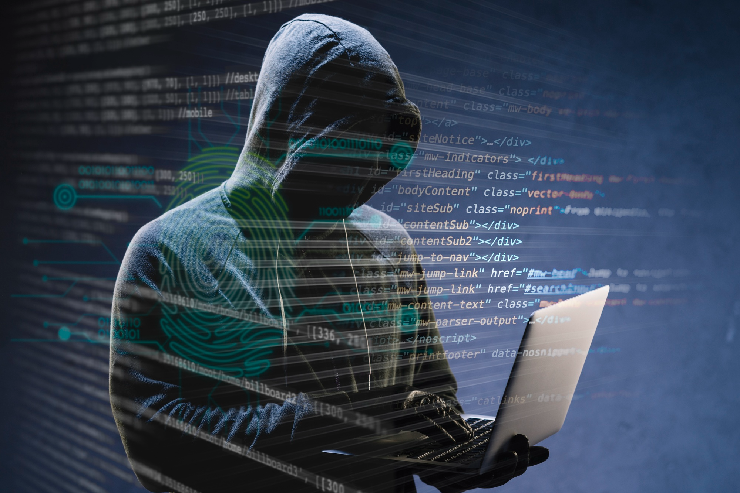
Malicious software can gain access to devices via insecure downloads, attachments, or breached applications. These are usually run silently in the background and may be hard to spot until it is too late.
The malware has the capability to spy on the user, take notes of the keystrokes, and access files stored. It can also send sensitive information to the attackers without the consent of the user. This may result in identity theft, loss of money, and severe long-term security risks in your system.
How to stay protected:
By relying on trusted security software and being wary as you download material, you can aid in keeping unknown malware out of reach of your personal information.
Providing plain or standardized passwords invites a significant security threat. Other users use credential sets that are easy to remember, leading to a situation where attackers can easily obtain access.
With automated tools or through leaked credentials, attackers can break into accounts swiftly. Passwords that are reused imply that only one hack can reveal several accounts. The use of two-factor authentication is an additional layer of protection against such attacks that cannot be overlooked.
How to stay protected:
Enhancing your authentication processes and ensuring secure password practices go a long way in reducing the probability of unauthorized intrusions into sensitive accounts.
Wi-Fi networks in places such as cafes, airports, and hotels are convenient, but it seems that they are not properly secured. This renders them a convenient victim to cybercriminals seeking to intercept user data.
The intruders can track traffic between networks on unsecured networks and collect vital information, such as passwords and even financial details. Users can reveal confidential information without even knowing it through the mere process of browsing or logging in to accounts on these networks.
How to stay protected:
Using public networks to carry out sensitive tasks and installing protective features such as encryption can significantly benefit your overall level of online safety.
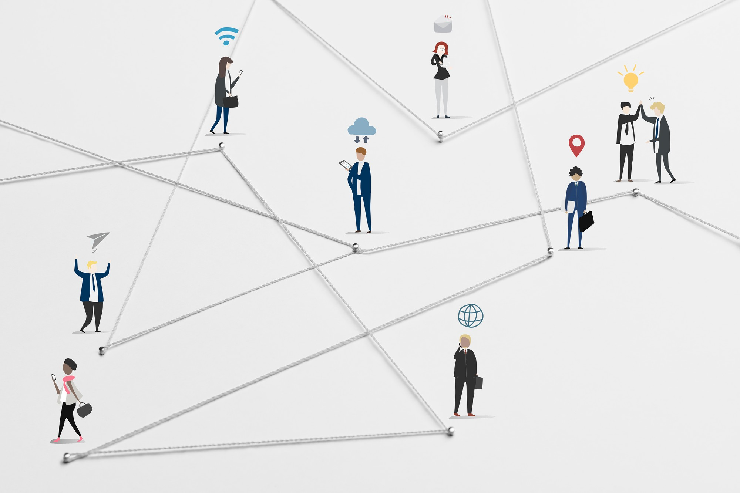
There is no longer such a thing as digital privacy. It’s a necessity in today’s interconnected world. The key to protecting your personal information must include awareness, vigilance, and the appropriate tools. With simple, effective security habits, you can greatly reduce your exposure to online dangers and control your digital profile.
If you’re looking for expert guidance and smarter digital solutions, Nerd Alert is here to help you stay secure and ahead of evolving threats. Contact us today and take the first step toward stronger digital protection!
HOW CAN I CHECK IF MY PERSONAL DATA IS BEING TRACKED ONLINE?
Periodically check your privacy audit tools, app permissions, and browser settings to keep track of any suspicious tracking behavior.
ARE PRIVACY-FOCUSED BROWSERS BETTER FOR PROTECTING DIGITAL PRIVACY?
Yes, they prevent trackers, reduce data gathering, and increase the level of anonymity, with respect to regular web browsers.
WHAT ROLE DOES ENCRYPTION PLAY IN PROTECTING DIGITAL PRIVACY?
In encryption, data is transformed into encrypted information and therefore cannot be accessed by an employee without the encryption key.

I’m a Nerd and very proud of it! I love to write about anything Tech related. Subscribe to our blog for helpful tips, tricks & news.