
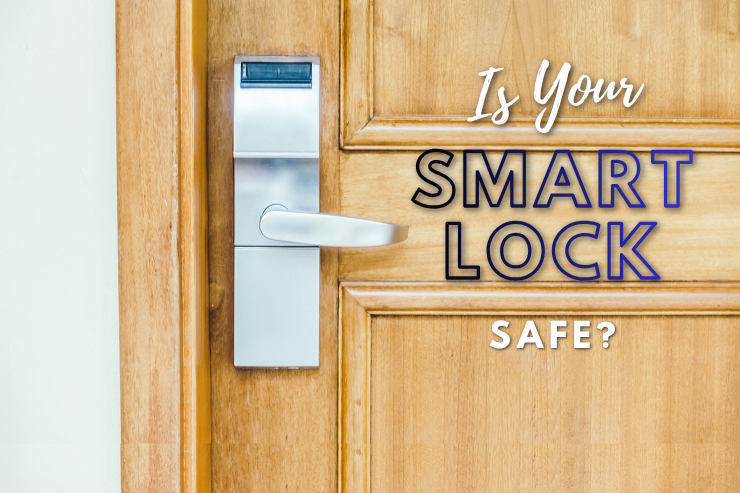
The emergence of smart home devices in this era of the digital world has changed the mindset of homeowners regarding home protection. A smart home ecosystem is one that provides the much-needed convenience, remote access, and easy formats of integration. Nonetheless, there are dangers associated with such progress. Just like any other internet-connected gadget, smart locks have become the most important target of cybercriminals when unsecured.
Being aware that smart home devices, such as smart locks, can be threatened by online attackers, one should be aware of protective measures that will help to keep them safe. It leaves a big gap between a secure home and the potential invasion of personal information. Let us find out how!
Smart locks typically rely on a wireless connection, such as Bluetooth, Wi-Fi, or Zigbee, to work perfectly. Despite the fact that such technologies can be remotely accessed or automated, they are what hackers can use as their way in. The primary factor that allows smart locks to become targets of online cyber crimes is weak passwords, open networks, bad settings, and inadequate software.
In other words, a hacker can attempt to:
Besides these direct attacks, a user is at risk of falling for a phishing scam, such as spam emails or fake apps that can steal their login details. This provides the attackers with direct access to their smart locks.
By means of proactive measures, it can be pretty easy to mitigate the threat of unauthorized access and enhance your overall smart home security.
The first step in securing your smart lock against online attacks is to create passwords that are very strong and unique. Weak or reused credentials will allow hackers to intrude into your system easily and compromise your home security.
To further strengthen your strategies for passwords, ensure to create:
Following strong password practices can help keep your smart locks safeguarded against online hacking attempts or unauthorized access. This creates a strong initial line of defense that keeps you protected against online threats.
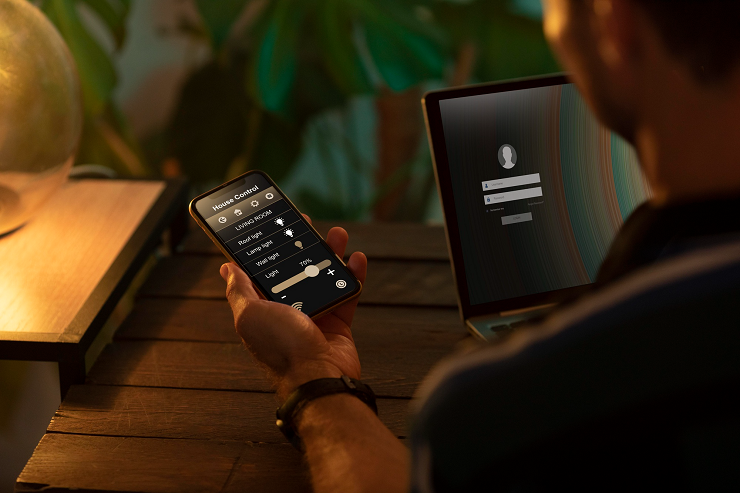
Two-factor authentication provides extra protection. This makes it tougher for an attacker to access, even with our password. It provides considerable improvements in the security of your smart lock system and related applications.
In order to have this additional layer, ensure to:
This extra measure of protection assures that an essential good protection against hacking and theft of credentials. It helps to prevent any unauthorized individuals from having easy access to your smart home device.
It is important to update your smart lock firmware to ensure online data protection against possible risks and safeguard your device against emerging cyber threats. The failure to update your system means that your system is at risk of exploits that hackers are actively hunting down.
Here is what you need to do to remain secure and updated:
At least in terms of performance, regular updates also enhance defenses against emerging threats and vulnerabilities. This makes a smart lock robust enough to continue defending itself against evolving threats.
Your smart lock relies on your home Wi-Fi network, so it is an essential part of your overall security. Your lock may become vulnerable to hacking and online attacks because of a poorly configured network.
In order to have effective security of your network:
When you enhance your Wi-Fi network with cybersecurity help, it can assist in reducing the number of entry points for attackers. This way, your smart lock will always be used in a secure and controlled digital space.
Smart locks can also have additional features that are unnecessary for your use but provide additional exposure to vulnerabilities. Turning off unwanted functions ensures that the users do not use them, minimizing the attack surface and enhances the devices’ overall security.
To limit unnecessary risks:
Disabling unwanted features ensures it has only the most important functions. It reduces misuse and makes your smart lock system extremely lean and efficient.
Using public Wi-Fi to manage your smart lock can expose your information to malicious actors. Such unsecured networks make access prone to unauthorized persons and expose your sensitive credentials.
When you are remote, it is important to stay protected, and this is how:
Avoiding public Wi-Fi ensures that your connection remains private and secure. It prevents hackers from intercepting your data and gaining better control over your smart lock.
Today, finding solutions that offer protection to your smart devices is not a luxury in a world where convenience and connectivity have become the order of the day. It’s essential. The proper mix of knowledge, active actions, and professional guidance will help you not be afraid of using smart technologies without endangering safety.
At Nerd Alert, we ensure that you are one step ahead with smarter and safer solutions that are specific to your needs. Contact us today if you want to upgrade your home security!
CAN SMART DOOR LOCKS BE HACKED REMOTELY WITHOUT WI-FI ACCESS?
Yes, attackers can use any of the Bluetooth vulnerabilities or near-interception methods to gain unauthorized access.
DO SMART LOCKS WORK DURING POWER OUTAGES OR BATTERY FAILURES?
The majority of smart locks have backup batteries or manual key overrides to maintain access in case of an outage.
ARE BIOMETRIC SMART LOCKS SAFER THAN PIN-BASED OR APP-CONTROLLED LOCKS?
Biometric locks provide the benefit of added security, although lower-quality sensors and systems still face the risk of fingerprint spoofing.

I’m a Nerd and very proud of it! I love to write about anything Tech related. Subscribe to our blog for helpful tips, tricks & news.