
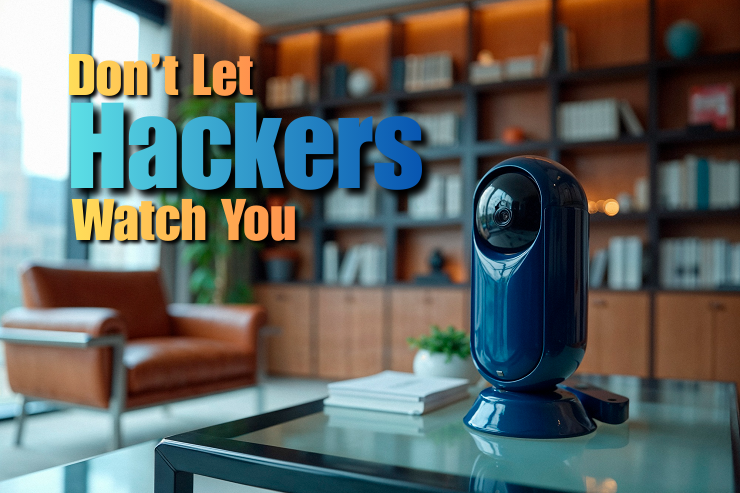
Security at home and office has transformed completely with the installation of smart cameras. These modern devices offer motion alerts, night vision, cloud storage, and even remote access from anywhere in the world. But convenience is often related to privacy concerns. Narratives involving data breaches, unauthorized access, and surveillance misuse have raised concerns among some users about installing connected cameras.
The security setup involves more than just mounting a device or downloading an app. Strategic planning, proper configuration, and consistent monitoring can help a person enjoy the various benefits of smart surveillance beyond safeguarding their personal data. In our post today, we will discuss the best ways to set up smart cameras without raising privacy concerns.
The information processing of such devices should be comprehended before installation.
Most smart cameras:
Some brands offer cloud storage plans. Others can assist local storage using memory cards or network video recorders. The first step towards privacy protection is to be aware of where your footage is stored and to whom it has been disclosed. Since most users control their controls via email-connected accounts, one should be aware of phishing scams that attempt to steal their logins.
The following are the best methods of setting up Smart cameras and ensuring both the safety of your home and the security of your videos.
The smart cameras are usually the primary smart home devices people buy, and it is vital to ensure they are configured to be security-conscious from the start. Security is not a top priority for all manufacturers. Check a brand’s privacy policy and purchase it. Remember to find businesses that have:
Many brands have focused on local storage and encryption capabilities in several of their products. Do not take cameras by unidentified manufacturers that have no findable support documentation or update policies.
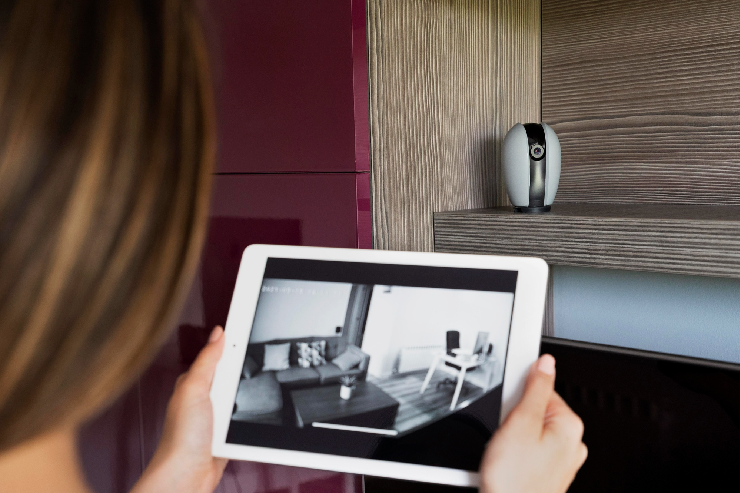
The security of your camera will only be as good as the network it is connected to. A weak Wi-Fi connection increases the risk of unauthorized access. Take these precautions:
It is worth considering implementing a guest or IoT network dedicated to smart devices. This will separate your main devices, not to say laptops, phones, etc., from possible vulnerabilities. If your router settings feel overwhelming, seeking cybersecurity help can ensure your network is configured to block unauthorized access attempts.
There are numerous privacy invasions due to ineffective passwords. To strengthen your security:
Two-factor authentication prevents a person who has your password from signing in without an additional authentication step. Best practices in authentication are central to online data protection, especially when sensitive footage is stored or transferred on devices.
Digital security is not the only aspect of privacy protection. The physical location is important, as well. Avoid installing cameras in:
Outdoor security cameras must only target the borders of your property. Documenting all public sidewalks or the residences of neighbors can be against local laws. During the installation of doorbell or driveway cameras, ensure the angle is set so you do not capture unnecessary images.
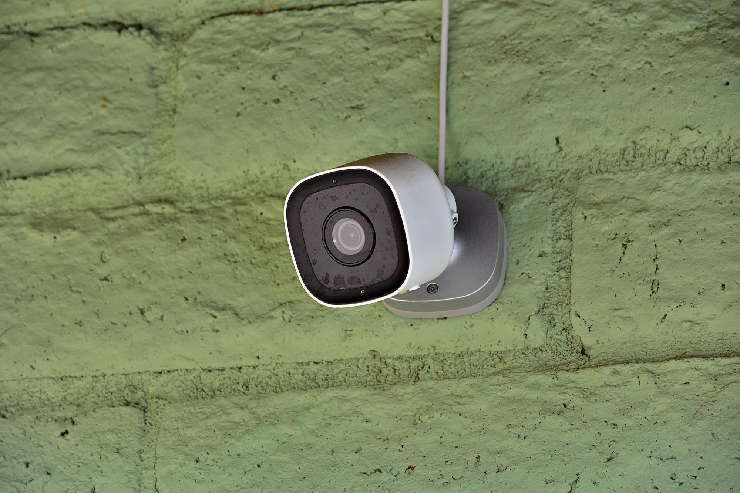
Many users do not alter the default settings after installation, leaving cameras more vulnerable than necessary. Review and modify:
Turn off features that you are not required to use. Certain advanced cameras also support per-user two-factor authentication, giving you greater control over who can change privacy-sensitive settings.
Cloud storage is convenient, but it poses greater privacy risks. Information stored on external storage devices can be exposed to hackers in the event of an intrusion. Whenever possible:
Some users use hybrid systems that keep data on the computer but back up only important events to the cloud.
Security vulnerabilities are fixed through manufacturer updates. Failure to update such can expose your system. Allow automatic updates where that is not the case. Check your camera application regularly with:
Improvements to encryption protocols and bug fixes are common parts of updates that increase privacy in general.
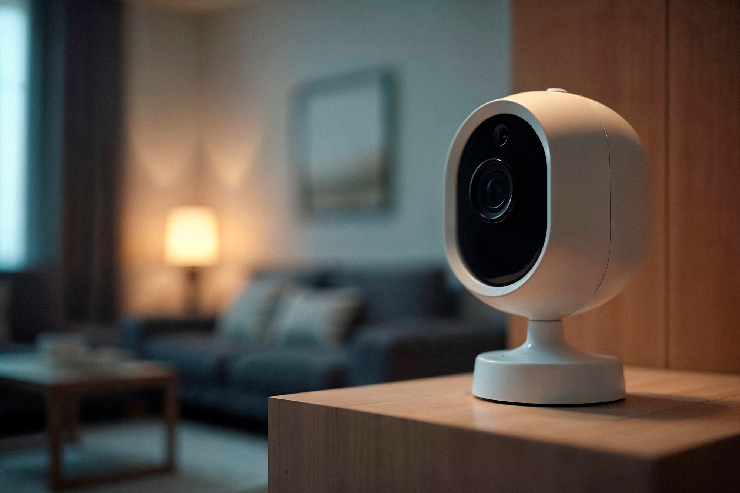
The majority of smart camera applications record activity logs, including device access history and login attempts. Make it a habit to:
When you provide access to family members on a camera, you need to create different accounts, rather than share a single account.
Smart cameras can protect your privacy if you choose the right equipment and settings, and ensure regular updates and maintenance. At Nerd Alert, we understand that welcoming smart technology into your home shouldn’t mean surrendering your privacy.
Our team takes pride in helping homeowners set up smart cameras the right way by using trusted best practices, professional configuration, and a privacy-first mindset. Have questions or want to speak directly with our experts? Contact us anytime, and our team is here to help!
CAN SMART CAMERAS WORK SECURELY WITHOUT CONSTANTLY RECORDING EVERYTHING?
Yes. Most models support event-based recording, automation rules, and user-controlled settings that are activated only when required, minimizing unwarranted data capture.
HOW CAN I MAKE SURE VISITORS AREN’T UNKNOWINGLY RECORDED WHEN ENTERING MY HOME?
You can create cameras with recording-off zones, temporary recording-off zones, and privacy zones. There can also be signs indicating when recording and monitoring are happening and when they are not.
ARE THERE SMART CAMERA SYSTEMS DESIGNED SPECIFICALLY FOR PRIVACY-SENSITIVE HOUSEHOLDS?
There are smart cameras designed for your privacy. These cameras prioritize privacy and allow users to collect and limit data captured by the cameras.

I’m a Nerd and very proud of it! I love to write about anything Tech related. Subscribe to our blog for helpful tips, tricks & news.